
This document is the user's guide for Lexmark Forms Printer 2400 Series
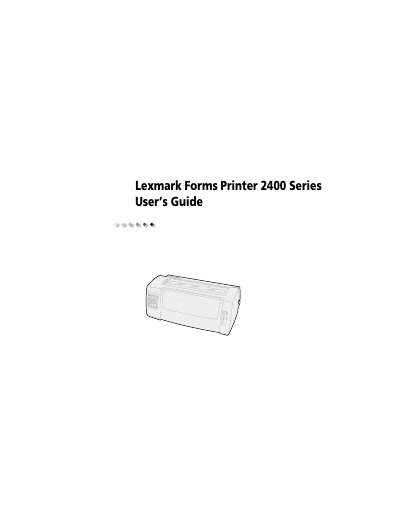
This guide covers everything you need to know to install and operate the Lexmark 2400 Series Forms Printer, including model variations, paper handling, and interface connections. It explains the features and functions of each model, such as printing speeds, resolution options, and supported bar‑code symbologies.
The manual also details how to use the operator panel, set up fonts and pitch locks, load cut forms or continuous paper, and perform troubleshooting and routine maintenance. Supply ordering information and specifications for paper, ribbons, and cables are included.