
The Lexmark X4650 Wireless 3-in-1 printer has built-in 802.11b/g wireless technology and supports WiFi certified IEEE 802.11b/g/n. It can be connected to your home's wireless router for convenient printing, copying, and scanning.
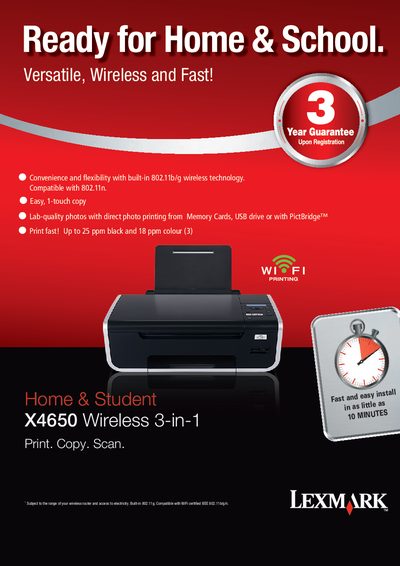
The Lexmark X4650 is a wireless all‑in‑one printer that prints, copies, scans and prints photos. This manual guides users through installation, wireless setup, and everyday operation of the device.
Key features include built‑in 802.11b/g wireless connectivity, high‑quality 4800 × 1200 dpi printing, a 36‑bit colour scanner, and support for a wide range of media sizes and memory cards. The guide also lists technical specifications, cartridge compatibility, and troubleshooting resources.
| Print speed (black) | Up to 25 ppm |
|---|---|
| Print speed (colour) | Up to 18 ppm |
| Print resolution | 4800 × 1200 dpi |
| Scanner colour depth | 36‑bit |
| Scanner grayscale depth | 12‑bit |
| Noise level (operating mode) | 2 dBA |
| Maximum monthly duty cycle | 3000 pages |
| Wireless standard | 802.11b/g (compatible with 802.11n) |
| USB interface | USB 2.0 Hi‑Speed |
| Dimensions (H × W × D) | 175 × 459 × 331 mm |
| Weight | 5.3 kg |
It has built‑in 802.11b/g wireless printing and is compatible with 802.11n networks.
The printer can print up to 25 pages per minute in black and up to 18 pages per minute in colour.
Borderless printing is supported for sizes such as 4" × 6", A4, Letter, A6, and several other standard envelopes and photo formats.