
This is a 10x15cm photo printer with CD burner. It supports Bluetooth connection to camera phone and printing without cables. It has a 2.4-inch color LCD screen. It supports direct printing from a camera or memory card. It supports borderless printing. It supports on-printer enhancement, including red-eye removal, color enhancement, crop, rotate, and enlarge. It supports artistic color filters, including Sepia, Antique Grey, Antique Brown, and Black & White.
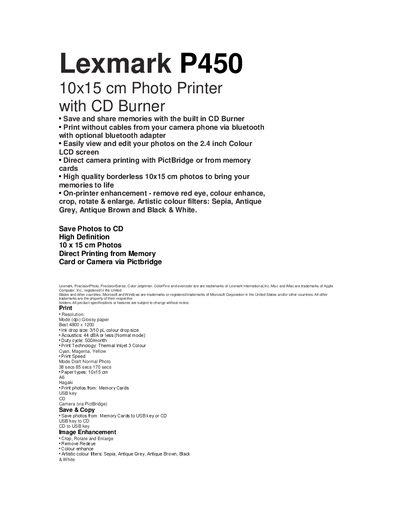
The Lexmark P450 is a compact 10 × 15 cm photo printer with a built‑in CD burner, Bluetooth printing (optional), and a 2.4‑inch colour LCD. It supports direct camera printing via PictBridge, memory‑card input, and offers borderless, high‑quality photo output with on‑printer enhancements such as red‑eye removal and artistic filters.
This manual covers the printer’s features, box contents, dimensions, weight, print specifications, media support, connectivity options, and power requirements. It also lists cartridge information, warranty details, and regulatory (WEEE) notices.
| Print resolution (best) | 4800 × 1200 dpi |
|---|---|
| Ink drop size | 3/10 pL colour drop |
| Acoustic level (normal mode) | 44 dBA or less |
| Duty cycle | 500 prints per month |
| Print technology | Thermal Inkjet, 3‑colour (Cyan, Magenta, Yellow) |
| Paper capacity | 25 sheets in / 10 sheets out |
| On‑board memory | 32 MB SDRAM, 16 MB Flash |
| LCD screen | 2.4‑inch colour LCD |
| Power requirements | 90 – 225 VAC input |
| Operational weight | 2.95 kg |
Yes, it supports direct camera printing via PictBridge or from memory cards.
Yes, the printer can save photos to CD and also copy between USB keys and CDs.
The printer can produce up to 4800 × 1200 dpi resolution.
The recommended duty cycle is 500 prints per month.