
Pro209 is an economical printer that comes with a 5-year warranty and a 105XL black cartridge that provides the industry's lowest black ink cost. It also features automatic duplex printing to help you save paper and energy.
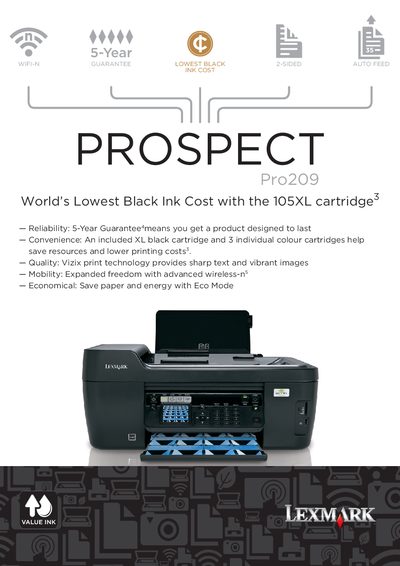
The Lexmark Pro209 is an all‑in‑one thermal inkjet printer that uses four separate colour cartridges and an XL black cartridge to deliver low‑cost, high‑quality prints. It features Vizix print technology for sharp text and vibrant images, wireless networking, and Eco Mode for energy savings.
This manual covers printing, copying, scanning, and faxing functions, as well as paper handling, connectivity options, specifications, warranty information, and power requirements. It includes details on print resolutions, speeds, duty cycle, media types, and supported operating systems.
| Print resolution (black) | 2400 x 1200 dpi |
|---|---|
| Print resolution (color) | 4800 x 1200 dpi |
| Maximum monthly duty cycle | 5000 pages per month |
| Scan resolution | 1200 x 2400 dpi |
| ADF input capacity | 35 pages 75 gsm bond |
| Power supply | 32 Watt Universal (100‑240V AC, 50/60 Hz) |
The Pro209 is rated for up to 5,000 pages per month.
It includes a 5‑Year Exchange Service warranty.