
The Lexmark C772n is a reliable workgroup color laser printer that supports banner size printing up to 8.5 in. x 48 in. It features Lexmark Color Care Technology for controlling the cost of color and usage. The printer has an advanced user interface for easy operation.
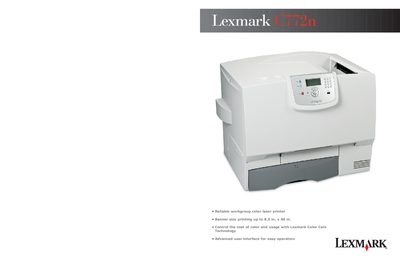
The Lexmark C772n is a medium/large workgroup color laser printer designed for high‑volume printing, including banner sizes up to 8.5 in. × 48 in. This user guide covers installation, basic operation, and optional accessories.
The guide details technical specifications such as speed, resolution, processor, memory, connectivity, and media handling, and lists the contents of the box, consumables, and optional upgrade options.
| Print Speed | up to 25 ppm |
|---|---|
| Resolution | 1200 × 1200 dpi, 4800 Color Quality |
| Processor | 800 MHz |
| Memory | 256 MB standard / 768 MB max |
| Standard Connectivity | Ethernet, USB, 1 ISP |
| Duty Cycle | Up to 120,000 pages per month |
| Weight (C772n) | 108 lb (47.7 kg) |
| Dimensions (C772n) | 23.8 in × 18.5 in × 20.8 in |
The printer can produce up to 25 pages per minute in black or color.
The first black page prints in less than 13 seconds and the first color page in less than 15 seconds.
Standard connectivity includes Ethernet, USB, and one ISP interface.