
5400 Series All-In-One User's Guide
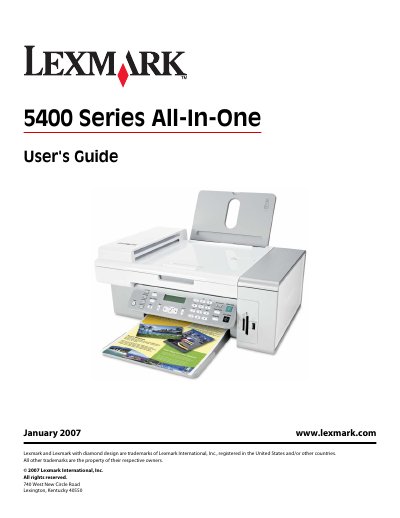
This guide covers important safety information, proper power and telephone connections, and handling of lithium batteries. It also explains how to locate the Setup sheet, Getting Started booklet, and the User's Guide itself.
The manual walks you through setting up the printer, loading paper and original documents, using the control panel and software features such as Imaging Studio, All‑In‑One Center, and Fax Setup Utility, as well as networking, maintenance, and detailed troubleshooting for printing, copying, scanning, and faxing.
Do not place or use this product near water or wet locations, and avoid setting it up or making connections during a lightning storm.
Call 1‑800‑332‑4120 Monday–Friday (8:00 AM–11:00 PM EST) and Saturday (Noon–6:00 PM EST).