
This manual introduces the basic functions and usage methods of Panasonic VB-42210 VB-43223 VB-42211 VB-43225 VB-42213 VB-43230 VB-43220 VB-43233 VB-43221 Digital Business System (Digital Key Telephone Series).
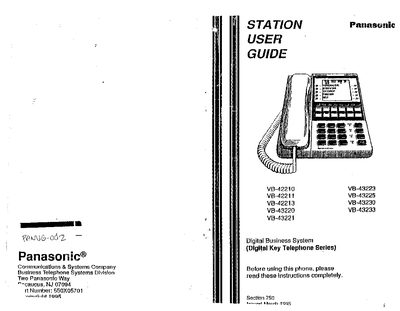
The guide provides an overview of Panasonic's digital business telephone series, covering both small‑display and large‑display models. It explains the basic functions, display information, and how to get started with the phone.
Key sections describe setting up the phone, making and answering calls, using call park, transferring calls, and accessing advanced features such as speed dialing, caller ID, and do‑not‑disturb. The manual also includes an index and a dial‑code list for quick reference.
Press HOLD during an outside call, dial 75, then dial the park number (00‑09).
During a call, press HOLD, dial the extension number to transfer to, then replace the handset or press ON/OFF.