
This document is the operating instructions for the SD card/hard disk video camera model SDR-H40P/PC. It provides information on how to connect, operate, and adjust the product. A Spanish Quick Use Guide is included. The document also includes information on brand, model, and customer support contact information.
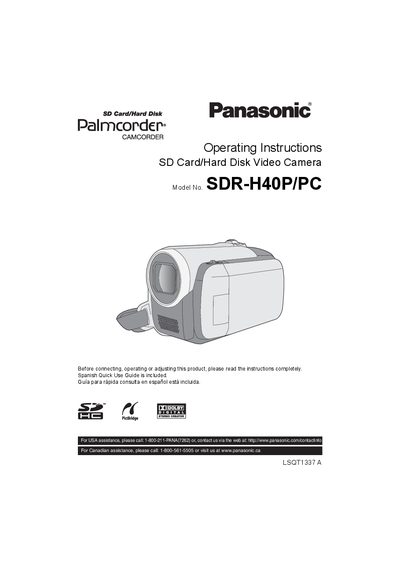
This manual provides complete operating instructions for the Panasonic SDR‑H40P/PC video camera, including safety precautions, battery handling, recording and playback functions, and connection to a PC or DVD burner. It also contains a quick‑use guide in Spanish for North‑American customers.
The document details the camera’s technical specifications, supported media, accessory options, and warranty information, helping users get the most out of the device while ensuring safe and reliable operation.
| Power source | DC 9.3 V / 7.2 V |
|---|---|
| Image sensor | 1/6z CCD, 800 K effective pixels |
| Optical zoom | 42× optical zoom |
| LCD monitor | 2.7‑inch wide LCD, approx. 123 K pixels |
It uses a lithium‑ion battery pack that must be recharged with the specified AC adaptor.
The lens provides 42× optical zoom, with additional digital zoom up to 2000×.
The AC adaptor operates on 110 V to 240 V AC, 50/60 Hz.