
This is a user manual for an LCD monitor, which mainly introduces the features, usage, installation and maintenance of the product.
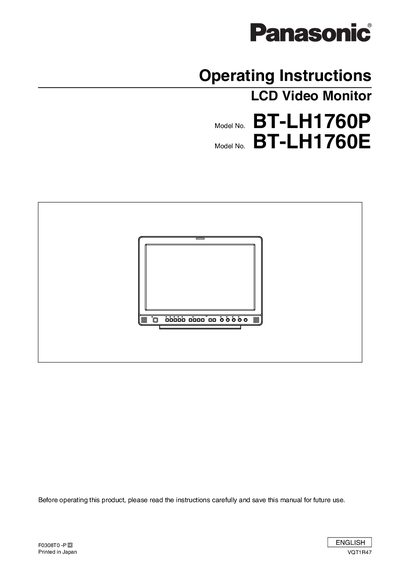
This manual covers safety precautions, proper grounding, and installation requirements for the Panasonic BT-LH1760 series LCD video monitors. It explains how to connect the unit, mount it in racks or on walls, and maintain adequate ventilation and temperature control.
The document also describes the monitor’s features, supported input formats, on‑screen menu functions, and detailed specifications such as resolution options and dimensions. Disposal and recycling information for compliance with WEEE regulations is included at the end.
| Operating voltage range | 100‑240 VAC (120 V intended for USA/Canada) |
|---|---|
| Recommended installation temperature | 5 °C to 35 °C |
It can operate on 100‑240 VAC, but voltages other than 120 V are not intended for the United States and Canada.
The three‑pin plug must be inserted into a standard three‑pin grounded outlet, and any extension cord must have three cores and be correctly wired.
Yes, it can be rack‑mounted; keep the ambient temperature between 5 °C and 35 °C and bolt the rack securely to the floor.