
The ViewSonic N1930w-CI 19-inch widescreen HDTV with 4000:1 dynamic contrast ratio is the perfect solution for small spaces like kids' rooms, home offices and dorm rooms.
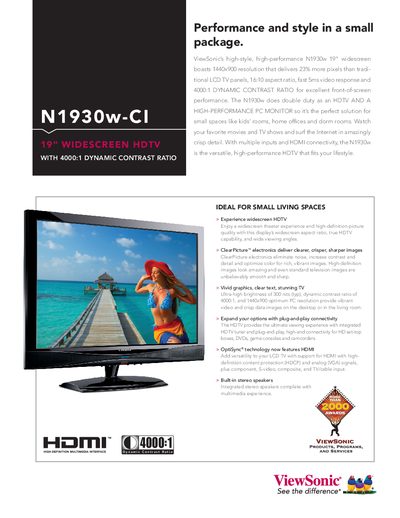
The N1930w combines HDTV and PC monitor functions in a compact 19" widescreen design. It offers a 1440x900 native resolution, 4000:1 dynamic contrast ratio, 300 cd/m² brightness, and wide viewing angles for clear, vivid images in both entertainment and productivity settings.
Connectivity includes HDMI with HDCP, VGA, component, composite, S‑video and a built‑in ATSC/NTSC tuner. The monitor also features integrated stereo speakers, on‑screen controls, and a VESA‑compatible mounting pattern, making it suitable for small living spaces, home offices, and dorm rooms.
| Display size | 19" diagonal |
|---|---|
| Resolution | 1440x900 |
| Contrast ratio | 800:1 static, 4000:1 dynamic |
| Brightness | 300 cd/m² (typ) |
| Viewing angles | 160° horizontal, 160° vertical |
| Response time | Sms |
| Light source life | 50,000 hrs (typ) |
| Power consumption | 48W (typ) |
| Dimensions (with stand) | 17.4" x 14.8" x 6.1" |
| Weight (with stand) | 10.4 lb (4.7 kg) |
| VESA mount pattern | 100mm x 100mm |
| Audio output | 2 x 2.5‑W stereo speakers |
The monitor comes with a two‑year limited Express Exchange warranty on parts and the backlight.
It has a typical static contrast of 800:1 and a dynamic contrast of 4000:1.
The monitor measures 17.4" × 14.8" × 6.1" (W × H × D) with the stand attached.