
This ViewSonic N4790p-CI 47-inch full HD 1080p LCD HDTV offers excellent audio and visual effects, ultra-high brightness and dynamic contrast ratio for a stunning viewing experience.
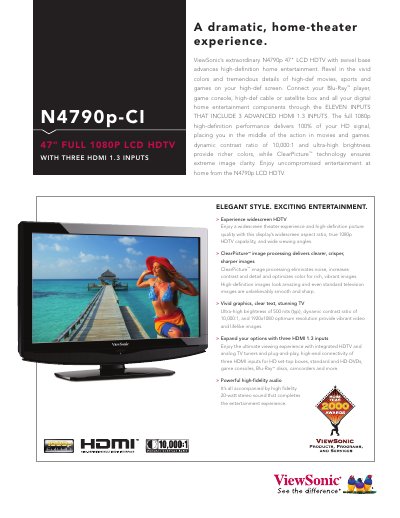
The N4790p-CI is a 47‑inch full‑HD LCD HDTV featuring three HDMI 1.3 inputs, ClearPicture™ image processing, 10,000:1 dynamic contrast and 500 cd/m² brightness. It supports a wide range of video sources and includes high‑fidelity 20‑watt stereo audio.
The manual details the TV’s specifications, input and audio connections, control functions, operating conditions, dimensions, power requirements, and warranty terms, helping users set up and operate the television safely and efficiently.
| Screen size | 47" diagonal |
|---|---|
| Resolution | 1920x1080 |
| Dynamic contrast ratio | 10,000:1 |
| Brightness | 500 cd/m² (typ) |
| HDMI inputs | 3 × HDMI 1.3 (with HDCP) |
| Audio power | 2 × 15‑watt speakers |
| Power consumption | 300 W (typ) |
| Weight (with stand) | 58.4 lb (26.5 kg) |
| Dimensions (with stand) | 44.3" × 30.2" × 12.4" |
The TV provides three HDMI 1.3 inputs with HDCP and audio support.
It comes with a two‑year limited Express Exchange warranty on parts, labor and backlight.
The display has a typical brightness of 500 cd/m².
It operates on universal AC 10–240 V, 50–60 Hz and consumes about 300 W typical.