
VG2227wm is a 22-inch wide screen LCD display produced by ViewSonic. It has a resolution of 1920×1080, a contrast ratio of 20,000:1, and features a multi-functional base design, widescreen high-definition display ratio, high dynamic contrast ratio, and multi-mode input technology.
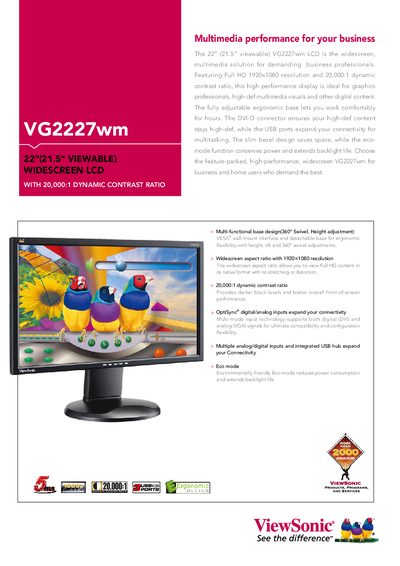
The VG2227wm is a 22‑inch (21.5" viewable) widescreen LCD monitor with Full HD 1920x1080 resolution and a 20,000:1 dynamic contrast ratio, designed for business and home users. It offers an ergonomic base with 360° swivel, height adjustment, and VESA‑compatible mounting, plus an eco‑mode that reduces power consumption.
The guide includes a quick start checklist, detailed specifications, input options (DVI‑D and VGA), power and connectivity details, dimensions, weight, and regulatory compliance information. It also lists the accessories included with the monitor.
| Display Size | 21.5" wide |
|---|---|
| Resolution | 1920x1080 |
| Brightness | 300 cd/m² (typ.) |
| Contrast Ratio | 1000:1 (typ); 20,000:1 dynamic |
| Viewing Angle | 170° (H), 160° (V) |
| Response Time | 5 ms (typ.) |
| Power Consumption | 43 W (typ.) |
Use the multi‑functional base that provides 360° swivel, height adjustment, and tilt controls.
Enable Eco mode, which lowers power usage to about 31 W.
The monitor has a typical contrast ratio of 1000:1 and a dynamic contrast ratio of 20,000:1.