
This manual describes the features and usage of the Philips Lifeline AutoAlert Help Button (FD100).
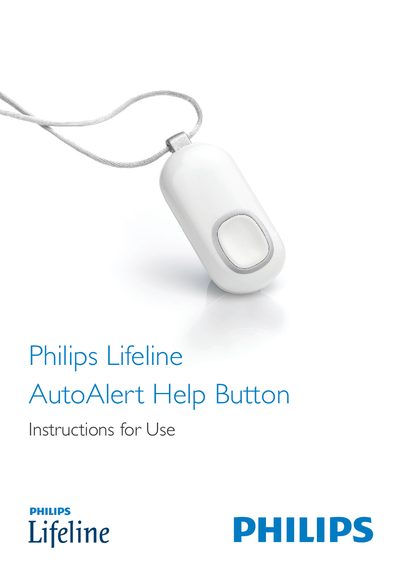
The AutoAlert Help Button is a personal emergency device that works with compatible Philips Lifeline Communicators. When pressed, it transmits a radio‑frequency signal to the communicator, which then calls the Lifeline Response Center. The button also includes fall‑detection sensors that can automatically send a help call if a fall is detected and the user cannot press the button.
The manual provides safety warnings, instructions for setting up the device, how to adjust the neck cord, battery replacement, cleaning, and troubleshooting. It also lists the compatible DT1000 series and 6900 series Lifeline Communicators and explains the symbols used on the device.