
The document is a starter's guide for installing and configuring the TSU9300 control panel. The TSU9300 is the third generation of Pronto Home Theater Control Panels, designed for easy and intuitive operation. It is IP-based and can work wirelessly with Pronto Extenders.
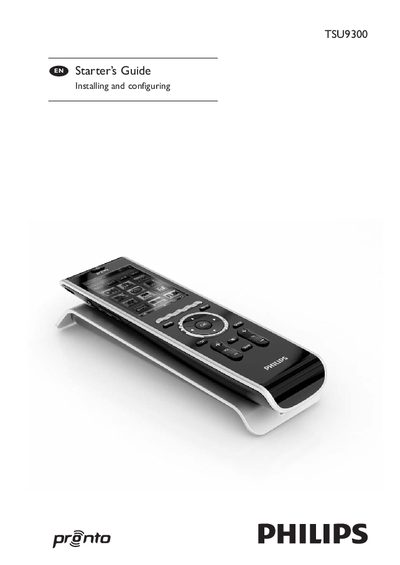
This Starter’s Guide walks installers through unpacking the Pronto TSU9300 control panel, preparing the power adapter, charging the unit, and installing the ProntoEdit Professional software. It also covers basic configuration steps, customizing projects, and downloading them to the panel.
The guide describes the overall Pronto system architecture, including wireless Wi‑Fi extenders, Ethernet connections, and compatible A/V equipment. Detailed specifications such as display, interface, infrared range, memory, and power management are listed for quick reference.
| Display | 2.8" TFT color display, QVGA (320 x 240) resolution, 65,536 colors |
|---|---|
| Interface | USB 2.0 port connector |
| Infrared operating distance | Maximum 36 ft (12 m) |
| Wireless system | Wi‑Fi based technology operating at 2.4 GHz |
| Memory | 64 MB SDRAM, 48 MB Flash |
| Battery | Lithium polymer, 1700 mAh |
| Dimensions (Control Panel) | 8.5 x 2.4 x 0.9 in (215 x 60 x 24 mm) |
| Operating temperature | 41 °F – 113 °F (5 °C – 45 °C) |
Charging the control panel to its maximum can take up to 3 hours.
The TSU9300 has a 2.8‑inch TFT color display with a QVGA resolution of 320 × 240 pixels.
The system uses Wi‑Fi based technology operating at 2.4 GHz.