
This is the instruction manual of Philips Digital Desktop 9750
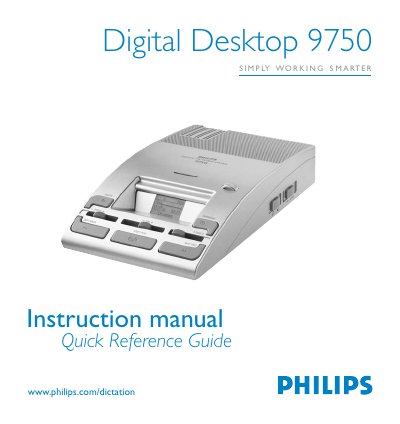
This manual provides step‑by‑step instructions for operating the Philips Digital Desktop 9750 dictation device. It covers basic recording with hand‑held or conference microphones, hands‑free dictation using the foot control, and how to edit recordings by overwriting, inserting or deleting text.
Additional sections describe power‑save operation, memory‑card handling, and data transfer to a PC via USB. The DDT menu, button functions, and LCD symbols are also explained to help users customize settings and troubleshoot common issues.
| Memory card type | MMC or SD up to 512 MB (optional) |
|---|---|
| Built‑in speaker | Yes |
| Power supply | Philips LFH 155 |
| LCD display | Yes |
| Microphone socket compatibility | Philips LFH 276/10, LFH 278/10, LFH 234, LFH 172, LFH 210 |