
This file is the Philips universal remote control user manual, which introduces the function and use of the remote control
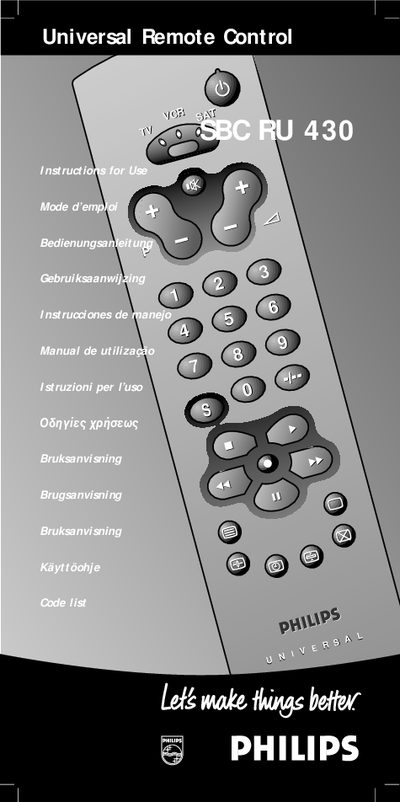
This manual introduces the Philips SBC RU430 universal remote, which can replace up to three separate remotes and control TV, VCR and satellite tuner functions. It describes the three operating modes (TV, VCR, SAT), the green indicator LEDs, and the basic key functions such as power, mute, volume and channel selection.
Detailed instructions cover battery installation, the quick‑start setup process, how to program the remote using the code list or the Handsfree autosearch, and how to read or lock in a stored 3‑digit code. A troubleshooting section provides help‑line numbers for the UK and Ireland and tips for using the remote with a second TV or other equipment.
| Battery type | Two 1.5 V batteries, type R03, UM4 or AAA |
|---|---|
| Mode indicator | Green LEDs show selected mode |
Replace the batteries at least once a year and do not leave them out for longer than one hour.
Select the correct mode, press and release the two red keys to make the green LED blink, then count the blinks for each digit using the © and @ keys.