
This is a service manual for the Philips Senseo HD7842 coffee maker. It provides detailed information on the product's features, technical specifications, usage instructions and maintenance procedures.
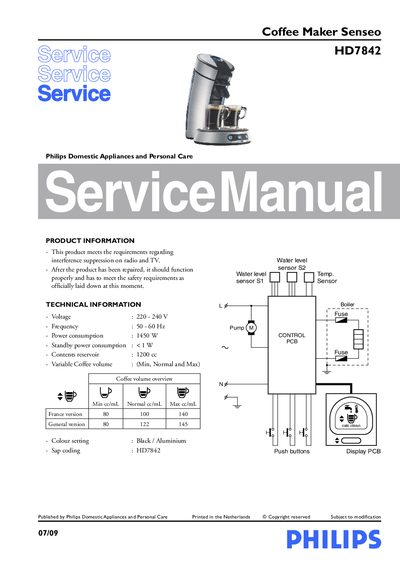
This service manual provides detailed technical information, safety requirements and specifications for the Philips Senseo HD7842 coffee maker. It includes voltage, frequency, power consumption, reservoir capacity and coffee‑volume settings for different market versions.
The document guides technicians through disassembly and re‑assembly, explains how to adjust coffee volume, reset the boiler empty flag, and lists all service parts with reference numbers. It also contains descaling instructions and an exploded view of the appliance.
| Voltage | 220‑240 V |
|---|---|
| Frequency | 50‑60 Hz |
| Contents reservoir | 1200 cc |
| Coffee volume (France version) | Min 80 cc, Normal 100 cc, Max 140 cc |
| Coffee volume (General version) | Min 80 cc, Normal 122 cc, Max 145 cc |
| Colour | Black / Aluminium |
Select the normal cup volume on the display, place a pod holder without a coffee pod, push the one‑cup button, measure the output with a graduated beaker and adjust by pressing the 1‑ or 2‑cup buttons; repeat until the measured volume matches the specification.
Press and hold the 1‑cup button while plugging in the power cord; the main‑switch LED will blink rapidly. Then reconnect power and press the main switch; the LED should stay continuously on, indicating the flag is set.
Remove Screw A, then the valve outlet, insert a screwdriver into the snap‑lock positions and gently pull the back cover away; bend the snap‑locks outward if needed, and fully detach the cover once all clicks are loose.