
This is a user manual for the JVC S-VHS video cassette recorder. It contains information about the product's features and characteristics, how to use it, and precautions to take.
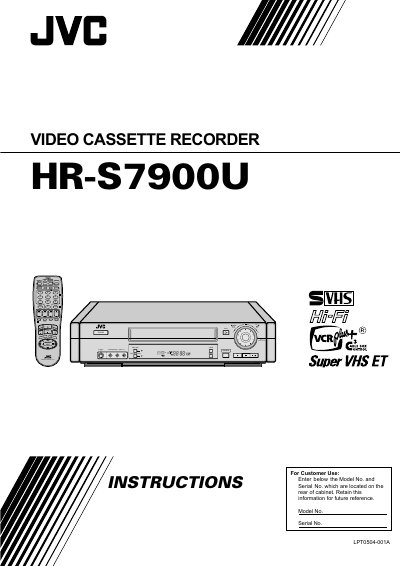
This manual covers important safety information, proper grounding, power‑source requirements, and installation guidelines for the JVC HR‑S7900U video cassette recorder. It explains how to connect the VCR to a TV, set up the antenna, and configure basic settings such as language, clock, and tuner.
Detailed sections describe basic playback and recording functions, special‑effect playback, timer programming, remote‑control configuration, and troubleshooting. The document also includes a specifications table, service information, and warranty details for U.S. customers.
| Power Supply | AC 120V, 60 Hz |
|---|---|
| Tape Format | S‑VHS |
The VCR must be operated with an AC 120 V, 60 Hz power source only.
Press MENU, go to INITIAL SET, select LANGUAGE, and choose English, Spanish, or French; the default is English.
Connect the supplied RF cable between the TV OUT terminal on the rear of the VCR and the TV’s antenna input terminal.
Check that the antenna cable is properly connected, then power‑cycle the VCR to trigger the Plug & Play setting or set the clock manually.