
This document is the user guide for the Canon digital camera. It introduces the camera's various functions and usage methods.
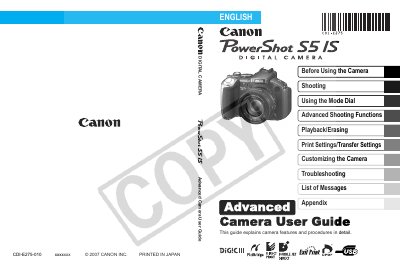
This guide explains the basic operations of the PowerShot S5I, including using the LCD monitor and viewfinder, setting up shooting modes, and customizing display information. It also covers power‑saving functions, world clock settings, menu navigation, and how to format memory cards.
Advanced sections describe creative shooting functions such as Auto ISO Shift, exposure compensation, focus bracketing, and My Colors mode, as well as playback, editing, printing, and troubleshooting. Battery handling, memory‑card usage, and maintenance procedures are also included.
Use the Red‑Eye Correction Function.
Press the Print/Share button to transfer images to a computer.
The camera supports SD memory cards, SDHC memory cards, and MultiMediaCards.