
This is a Canon camera instruction manual, which mainly introduces the camera's usage methods and the connection methods to a computer
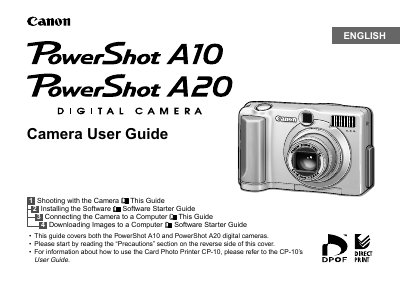
This manual provides step‑by‑step instructions for preparing, shooting, replaying, and printing images with the PowerShot A10/A20. It includes quick‑start procedures, detailed explanations of camera functions, and guidance on connecting the camera to a computer or TV.
Safety warnings, battery handling tips, and troubleshooting advice are also included, along with full technical specifications for both models.
| Image Sensor | 1.32 MP (A10) / 2.11 MP (A20) 1/2.7‑in CCD |
|---|---|
| Lens focal length (35 mm equivalent) | 35 mm – 105 mm (5.4 W – 16.2 T mm) |
| Digital Zoom | Maximum 2.0× (A10) / 2.5× (A20) |
| Optical Viewfinder | Primary imaging real‑image optical zoom viewfinder |
| LCD Monitor | 1.5‑inch TFT color LCD, approx. 120,000 pixels |
| Autofocus points | 3‑point TTL AI‑AF |
| Shutter Speed | 1 – 1/1500 sec (mechanical + electronic) |
| ISO Sensitivity | ISO 100 (auto raised to ISO 150 in low light) |
| White Balance | TTL auto/preset (daylight, cloudy, tungsten, fluorescent) |
The A10 supports up to 2.0× digital zoom, while the A20 supports up to 2.5× digital zoom.