
VC-C3 Control Software v1.0 Users Guide, introduces software installation, configuration and usage.
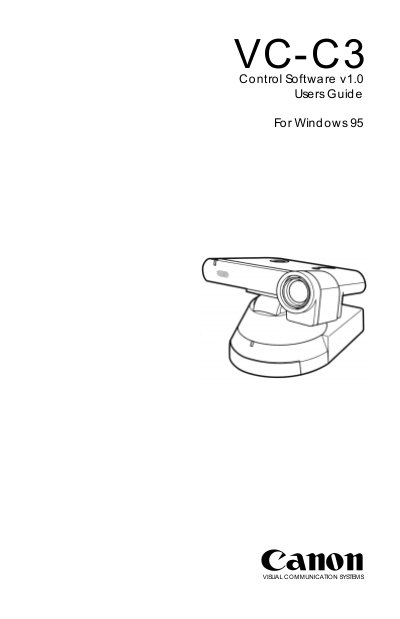
This guide explains how to install and use the VC-C3 Control Software to operate the Canon VC-C3 Communication Camera on a Windows 95 PC. It covers system requirements, connection of the camera via a special RS‑232 cable, and basic software functions such as camera control, preset management, and image settings.
Additional sections describe advanced features like the infrared wireless controller, usage with videoconferencing applications, and detailed RS‑232 pin‑out diagrams. The manual also includes troubleshooting tips for COM‑port errors and instructions for configuring program options.
| Operating System | Windows 95 |
|---|---|
| Required Hardware | Canon VC‑C3 Communication Camera |
| Maximum Cameras per PC | 4 |
It requires a Windows 95 compatible PC running Microsoft Windows 95.
Up to four cameras can be connected, each using its own COM port.
Open Program Options from the System menu and uncheck “Enable IR remote control”.