
This is a user guide for Canon camera. It mainly introduces the shooting, replaying and erasing operation of the camera.
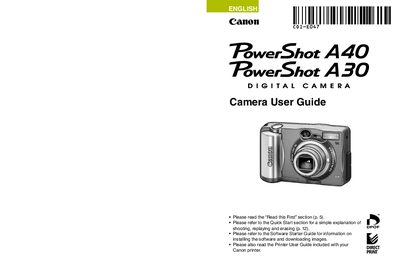
This guide provides step‑by‑step instructions for getting the PowerShot A40/A30 ready for use, including battery installation, CF card setup, and basic shooting functions. Quick‑start sections help new users begin shooting and reviewing images right away.
Later chapters cover advanced features such as flash operation, ISO settings, video format selection, printing via the included printer guide, and troubleshooting. Appendices include specifications, FCC notices, and warranty information.
The guide includes a section titled “How do I navigate the menus?” that explains menu navigation (see page 4).
Yes, you may use non‑Canon accessories, but Canon makes no warranties for any damage caused by them.
Set the camera's video signal format to the one used in your region before connecting to a TV monitor.