
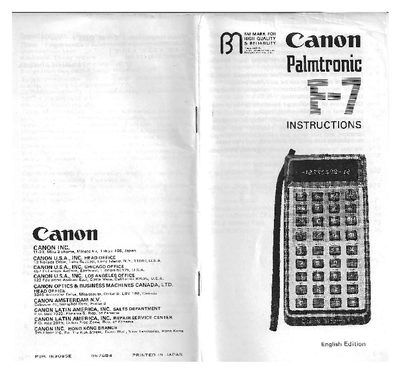
This manual explains how to operate the Canon Palmtronic F-7 electronic calculator, covering power source selection, key functions, input methods, and correction procedures. Detailed sections describe the use of fraction, parenthesis, and memory keys, as well as conversion calculations for volume and weight.
The specifications section lists the display type, calculation capacity, accuracy, memory features, power options, dimensions, and environmental limits, helping users understand the device’s capabilities and proper handling.
| Type | Palmtronic (miniaturized) electronic‑calculator |
|---|---|
| Keyboard | 10‑key system |
| Display | LED, 12‑digit total (8‑digit mantissa + 1 sign, 2‑digit exponent + 1 sign) |
| Effective accuracy | 8 digits |
| Memory | Two memories (one for storage, one for accumulation) |
| Usable temperature | 0 °C – 40 °C (32 °F – 104 °F) |
| Size | 175 mm × 86 mm × 48 mm (6‑7/8" × 3‑3/8" × 1‑7/8") |