
The document is an AMD RAID installation guide, which explains how to configure RAID functions using the FastBuild BIOS utility in the BIOS environment. It also introduces the basic concept and advantages of RAID.
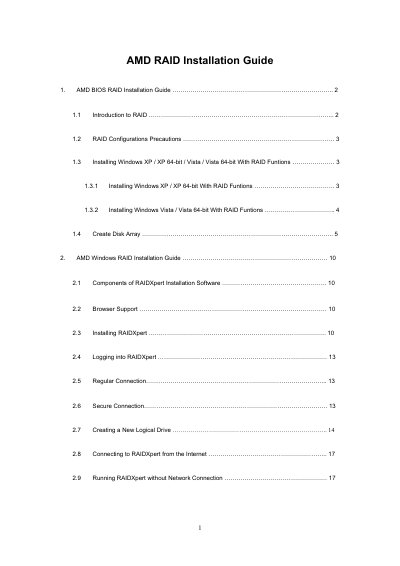
The guide provides step‑by‑step instructions for enabling RAID mode in the motherboard BIOS, creating a driver diskette, and installing Windows XP, Vista, or their 64‑bit versions on a RAID array. It also covers RAID level selection, disk assignment, and logical‑drive creation using the onboard FastBuild utility.
In the Windows environment, the document describes installing and configuring the RAIDXpert RAID management software, supported browsers, logging in, creating new logical drives, and optional remote access. It includes details on stripe block size, write‑cache policy, and initialization options for the AMD SB750 SATA RAID controller.
| Supported RAID controller | AMD SB750 SATA RAID controller |
|---|---|
| Stripe block size options | 64 KB or 128 KB |
| Write cache policy | None (cannot be changed) |
Enter the BIOS Setup Utility, go to the Advanced screen → IDE Configuration, and set the "SATA Operation Mode" option to [RAID].
You can choose either 64 KB or 128 KB as the stripe block size.