
AMD RAID Installation Guide is an instruction for you to configure RAID functions by using the onboard FastBuild BIOS utility under BIOS environment.
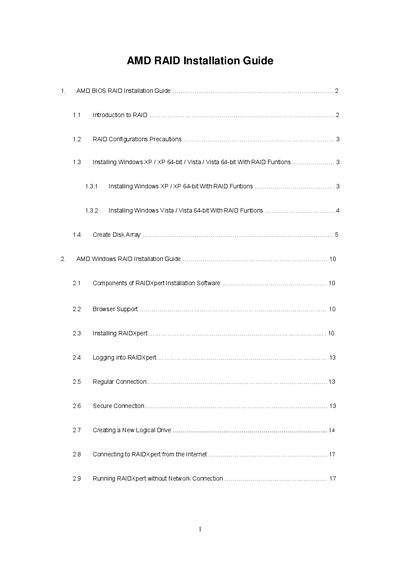
The AMD SB750 RAID Installation Guide explains how to enable RAID functions in the BIOS, create driver diskettes, and use the FastBuild utility to define logical drives. It also describes RAID concepts such as RAID 0, RAID 1, RAID 10, JBOD and RAID Ready, and provides precautions for drive selection and data backup.
The guide walks through installing Windows XP, Vista, and their 64‑bit versions with RAID, configuring the FastBuild utility, and managing RAID arrays with the RAIDXpert web interface, including remote access and offline operation.
| Supported RAID levels | 0, 1, 5, 10 |
|---|---|
| Maximum physical drives | 4 |
| Stripe Block Size options | 64 KB, 128 KB |
| Write Cache policy default | None |
Enter the BIOS Setup Utility, go to the Advanced screen → IDE Configuration and set the “SATA Operation Mode” option to [RAID].
Press Ctrl+F to open the FastBuild Utility, select “Define LD”, choose the desired RAID level, assign drives, and press Ctrl+Y to save the configuration.