
This file provides FCC rules for use of the unit in the U.S.A.
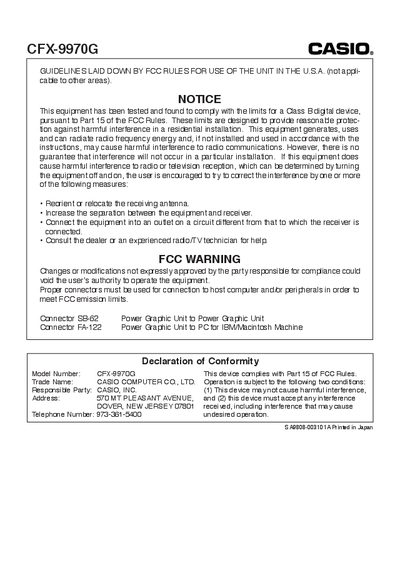
This manual covers safety information, FCC compliance, battery installation, and basic operation of the Casio CFX-9970G calculator. It includes step‑by‑step instructions for loading batteries, resetting the device, adjusting the color contrast, and using the various calculation and graphing functions.
The guide also details advanced features such as graph functions, dynamic graph display, and data communication specifications. An appendix lists technical specifications, battery life, power‑off behavior, environmental limits, dimensions, and weight, helping users understand the calculator’s capabilities and maintenance requirements.
| Variables | 28 |
|---|---|
| Calculation range | +1 × 10⁰ to +9.999999999 × 10⁹ |
| Program capacity | 60 kbytes (max.) |
| Power supply (main) | Four AAA‑size batteries (LRO3 or R03) |
| Power consumption | 0.2 W |
| Main battery life (LRO3) | ≈ 230 hours (continuous display) |
| Main battery life (R03) | ≈ 140 hours (continuous display) |
| Backup battery life | ≈ 2 years |
| Auto power‑off delay | ≈ 6 minutes after last operation |
| Ambient temperature range | 0 °C to 40 °C |
| Dimensions | 27.1 mm × 85 mm × 181.5 mm (H × W × D) |
| Weight | 230 g (including batteries) |
| Transmission speed | 9600 bits/second |
Open the back cover, insert the four AAA batteries with correct polarity, and replace the cover.
With LRO3 (AM4) batteries the calculator runs about 230 hours continuously; with R03 (UM‑4) batteries about 140 hours.
The calculator transmits data at 9600 bits per second using asynchronous half‑duplex communication.