
This document is a quick guide for the CASIO XD-C760 electronic dictionary, providing instructions and precautions for using the device.
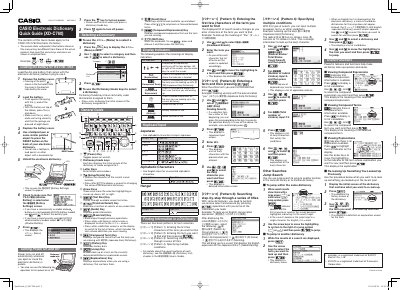
The Quick Guide explains how to prepare the Casio XD‑C760 electronic dictionary for first use, including battery installation, power control, and basic navigation. It also describes the function of each key, display indicators, and the various search patterns available in the device.
Key sections cover loading the AA‑size battery, turning the unit on and off, selecting dictionaries, using the RESET button, and performing searches such as jump, compound term, and explanation look‑ups. The guide includes brief notes on battery type selection (Alkaline, eneloop, EVOLTA) and how to access history and guide functions.
| Battery type | AA-size |
|---|
Remove the battery cover, press the spring with the battery’s (-) end, insert the AA battery with correct polarity, then replace the cover.
Press the power key or any dictionary/mode key to turn on; press the power key again to turn off.
Press the menu key to display the menu screen, use the arrow keys to choose a category, then select the desired dictionary.
Use a ballpoint pen or similar pointed object to press the RESET button on the back of the electronic dictionary.