
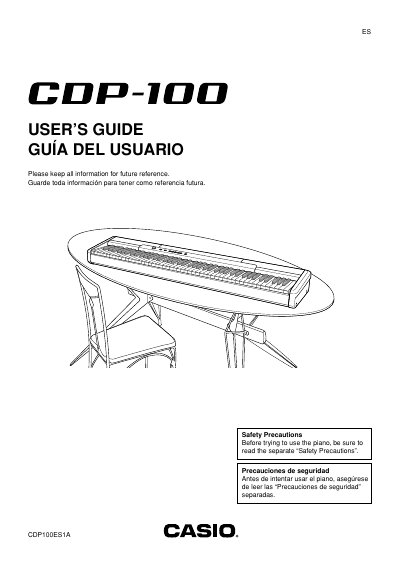
This guide covers the essential safety precautions and proper handling of the CDP-100 digital piano, including power‑supply requirements, use of the AD‑12 AC adaptor, and recommended practices for moving and storing the instrument. It also explains how to attach the score stand, connect headphones, a damper pedal, and other accessories.
The manual details the piano’s built‑in demo tunes, tone selection, reverb and chorus effects, and provides a full MIDI implementation chart. Users can learn how to play demo tunes, adjust volume, select tones, and understand the polyphony limits for each built‑in voice.
| Maximum Polyphony (Grand Piano 1) | 16 |
|---|---|
| Maximum Polyphony (Grand Piano 2) | 32 |
| Maximum Polyphony (Electric Piano) | 30 |
| Maximum Polyphony (Harpsichord) | 16 |
| Maximum Polyphony (Strings) | 32 |
| Required AC adaptor | AD-12 |
| DC power jack voltage | 12 V |
Only the Casio AD‑12 adaptor may be used with this digital piano.
Hold the FUNCTION button and press PLAY/STOP to start sequential playback of the demo tunes.
Connect commercially available headphones to the PHONES jack on the back panel.
The model is CDP‑100.