
This is the User's Guide for the 2747 watch, which explains how to use the watch, function settings, etc.
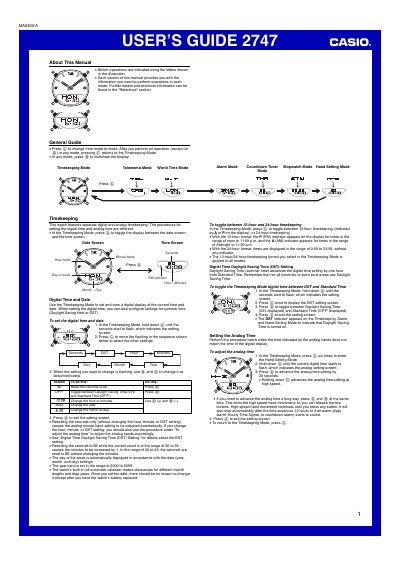
The Casio 2747 1MA0303-A watch combines digital and analog timekeeping with a range of features such as Telememo, World Time, alarms, a countdown timer, and a stopwatch. The guide explains button operations, mode navigation, and how to configure settings like daylight‑saving time, date, and analog hand adjustments.
Detailed sections describe how to create, edit, and delete Telememo records, set up multiple daily alarms and an hourly time signal, use the world‑time city codes, and operate the countdown timer and stopwatch. Reference information includes the built‑in calendar, UTC differentials, and display illumination instructions.
| Year range | 2000‑2099 |
|---|---|
| Telememo record capacity | up to 30 records (8‑character name, 16‑digit number) |
| World Time city codes | 30 cities (29 time zones) |
In Timekeeping Mode, hold down button A until the seconds flash, then use button C to select the field and buttons D/B to change the values. Press A to exit the setting screen.
The DST (Daylight Saving Time) indicator shows that the watch is currently applying daylight‑saving time in Timekeeping, Alarm, and Hand Setting modes.