
The SE-S10 electronic cash register is a simple and easy-to-use cash register with 20 departments and 500 PLUs. It can automatically calculate taxes and has a calculator function. The user's manual provides a quick start guide.
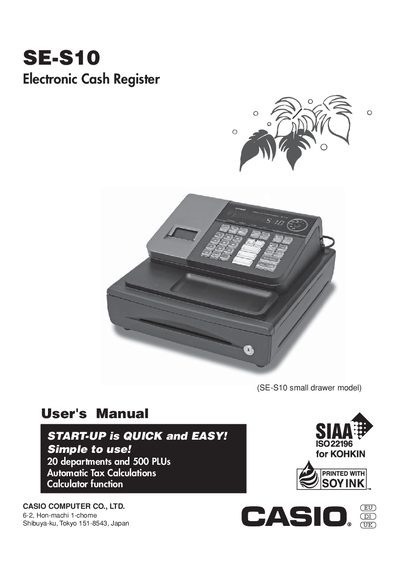
This manual introduces the Casio SE‑S10 cash register, covering its basic components, mode switch functions, keyboard layout and daily job flow. It explains how to set up the unit, load paper, configure departments and PLUs, and use the calculator and reporting features.
Safety precautions, power‑supply requirements, cleaning guidelines and detailed troubleshooting steps are provided to ensure reliable operation and safe handling of the register and its accessories.
| Power supply voltage | 120V, 220V, 230V or 240V; 50/60Hz |
|---|---|
| Display capacity | 8 digits |
| Maximum departments and PLUs | 20 departments, 500 PLUs |
Pull the drawer release lever; the drawer will not open if it is locked with a drawer lock key.
Immediately shut down the power and unplug the AC plug from the power outlet.
It can operate on standard household current of 120V, 220V, 230V or 240V at 50/60 Hz.