
This is a product manual for CASIO CE-6000 electronic cash register
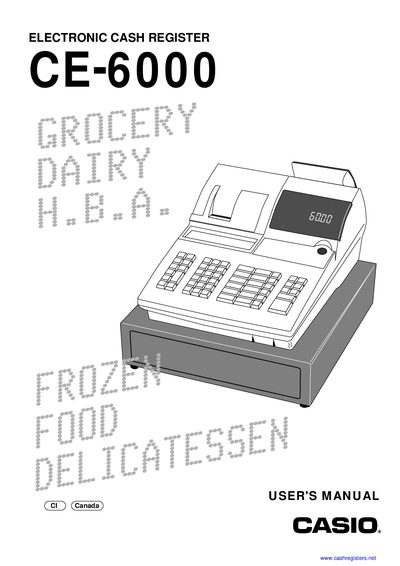
This manual guides you through unpacking, installing and configuring the Casio CE‑6000 electronic cash register. It covers basic operations, programming of clerks, departments, PLUs, discounts and other functions.
Additional sections describe troubleshooting procedures, warranty information and technical specifications, helping users maintain reliable operation of the cash register.
Remove the cash register from its box, remove the tape, plug it into a wall outlet and insert the mode key as described in the Getting Started section.
Refer to the troubleshooting section, which provides steps for diagnosing a register that does not operate.
The warranty covers one year for parts and 90 days for labor.