
This document introduces the TVM mode of the Casio 9860 calculator, including the meaning of TVM, how to use it, and examples.
This manual provides step‑by‑step guidance for the TVM (Time, Value, Money) mode on the Casio 9860 graphic calculator, covering basic concepts, input conventions, and calculation protocols. It is designed for teachers and students who need clear examples of compound interest, annuities, and present‑value calculations.
The document includes detailed TVM protocols, multiple worked examples, notes on sign conventions, and a graded worksheet series. It also explains how to access specific TVM functions such as Compound Interest (F2) and how to interpret positive and negative values in the calculator’s display.
| Calculator model | 9860 |
|---|---|
| TVM mode | Financial Mode |
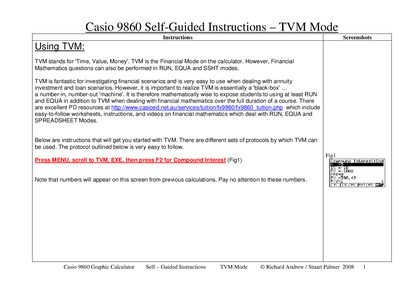
Press MENU, scroll to TVM, EXE, then press F2 for Compound Interest.
A negative PV means the money is leaving your pocket.