
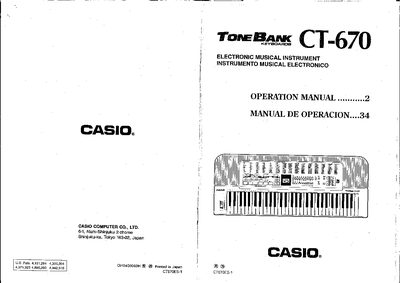
This manual covers the general guide and power supply options for the CT-670, including AC adaptor use and six D‑size dry cell batteries. It explains the keyboard’s controls such as volume sliders, pitch bender, tuning control, and the various input and output jacks.
The guide details the 220 preset tones, 110 auto‑rhythms, multi‑accompaniment system, MIDI functions, and technical specifications like polyphony, built‑in effects, and power consumption. Troubleshooting tips and care instructions are also provided.
| Model | CT-670 |
|---|---|
| Number of keys | 61 |
| Polyphony | 12‑note (Max.) |
| Preset tones | 220 |
| Auto‑rhythms | 110 |
| Built‑in effects | Stereo delay, Stereo panning |
| Real‑time memory | Up to 1,250 notes |
| Power source | 2‑way AC/DC |
| Battery life | Approximately 6 hours |
| Power consumption | 7.7 W |
| Dimensions | 980 mm × 381 mm × 111 mm |
| Weight | 60 kg (13.2 lb) including batteries |
The unit uses six D‑size (SUM‑1/R20P) manganese dry cell batteries; open the bottom battery compartment, remove the old cells, and insert new ones with correct polarity.
Press the tempo control buttons; each press of [A] speeds up the tempo and [¥] slows it down, with a range of 40 to 256 beats per minute shown on the 3‑digit display.
The keyboard provides 220 preset tones, including 20 basic tones and 200 bank sounds.
The instrument supports up to 12 simultaneous notes.