
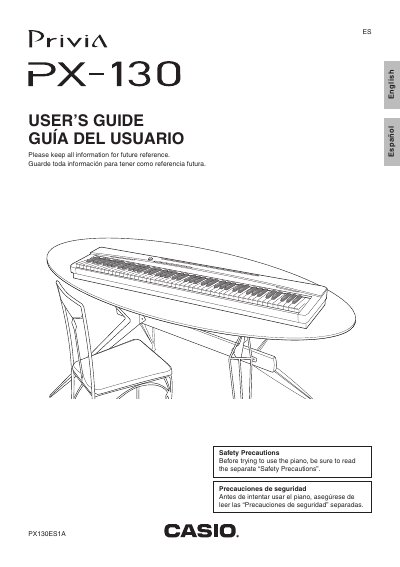
The Casio PX-130 is a digital piano. This User's Guide explains its controls and basic operation, including power, connections, tone selection, metronome use, piano duet play, built-in song playback, and recording.
It also covers keyboard-based settings, computer connection via MIDI, troubleshooting, product specifications, operating precautions, and an appendix with a tone list, song list, and MIDI implementation chart.
| Specified AC adaptor | AD-A12150LW |
|---|---|
| Power source | Standard household power |
| DC input terminal | DC 12V |
| AC adaptor plug standard | JEITA Standard, with unified polarity plug |
Use only the specified CASIO AD-A12150LW adaptor.
Hold down the FUNCTION button while pressing the keyboard key assigned to the setting you want.
Insert the bottom of the music stand into the groove on the top of the digital piano's console.
Yes; the digital piano has PHONES jacks.