
This is a user manual for the SE-S300 electronic cash register, which provides information on usage precautions and maintenance methods.
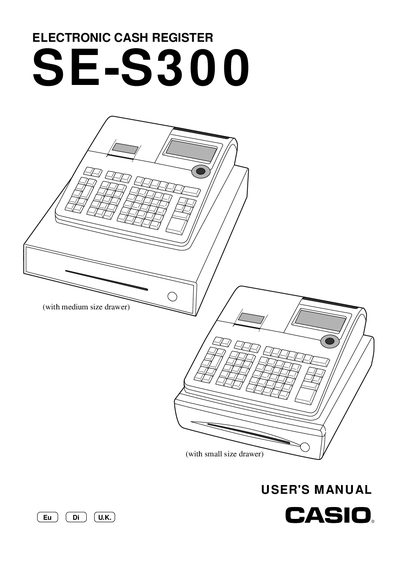
This manual covers the operation of the Casio SE‑S300E electronic cash register. It includes safety precautions, installation steps, programming of departments, PLUs, taxes, and other functions, as well as maintenance and troubleshooting procedures.
Key sections include safety warnings, getting started with power and paper loading, detailed programming of keys and reports, specifications of the device, and a comprehensive index for quick reference. This manual is written in Chinese.
| Operation temperature | 0 °C ~ 40 °C |
|---|---|
| Dimensions and weight (small drawer) | 198 mm × 330 mm × 360 mm / 5.5 kg |
| Paper roll size | 58 mm × 80 mm |
| Print speed | ≈ 14 l/s |
| Main display amount digits | 10 digits (zero suppression) |
Open the battery compartment, note the polarity markings, insert two new alkaline AA batteries with correct orientation, then replace the compartment cover.
When the * sign appears on the display, it signals an error condition that requires troubleshooting as described in the manual.
The register must be connected to an AC outlet rated 100 V ~ 240 V; using a different voltage can cause malfunction, fire, or electric shock.