
This is a user manual for the CASIO watch 2568 model, which mainly introduces how to charge and save power for the watch
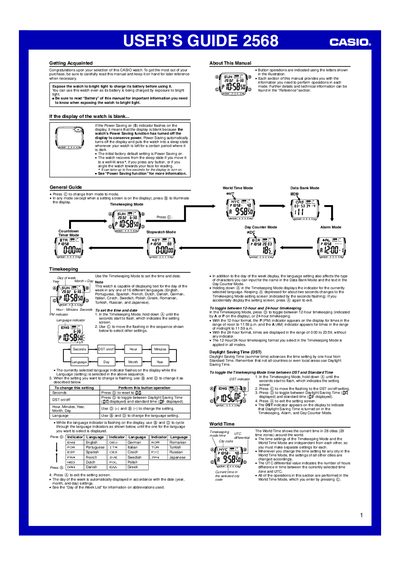
This guide introduces the Casio 2568 watch, covering basic operation, power‑saving features, and how to charge the battery by exposing the watch to bright light. It explains the display illumination options, including the auto‑light switch and manual backlight activation.
Detailed sections describe each mode: Timekeeping, World Time, Data Bank, Alarms, Day Counter, Stopwatch, Countdown Timer, and Backlight. The manual shows how to set dates, times, languages (16 supported), DST, and how to manage records, alarms, and timer functions.
| Battery charging method | Charged by exposure to bright light |
|---|---|
| Backlight type | Electro‑luminescent (EL) panel |
| Stopwatch range | 23 h 69 m 59.99 s |
| Data Bank capacity | 30 records |
| Alarm capacity | 5 independent alarms + hourly time signal |
| Day Counter target‑date range | 1940‑01‑01 to 2029‑12‑31 |
Press the @ button to illuminate the display for about one second, or tilt the watch in a dark environment to activate the auto‑light switch.
The watch can set up to five independent alarms plus an hourly time signal.
The Data Bank can hold up to 30 name and telephone‑number records.