
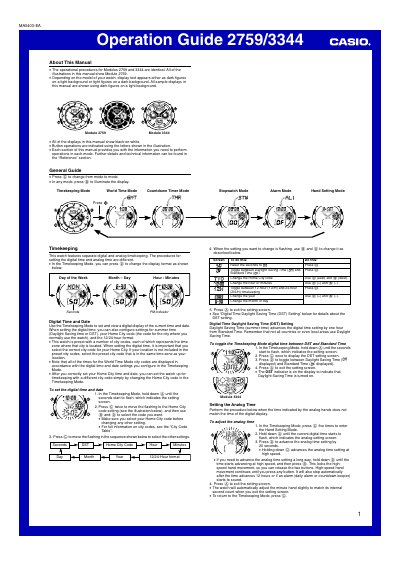
This operation guide provides step‑by‑step instructions for the Casio 2759/3344 watch, which combines digital and analog timekeeping with multiple modes such as World Time, Countdown Timer, Stopwatch and Alarm. It also covers display illumination, battery considerations and reference information.
Key sections include Timekeeping Mode, World Time Mode, Countdown Timer Mode, Stopwatch Mode, Alarm Mode, Hand Setting Mode, and Illumination Precautions, each with button operations and setting procedures.
| Display style | black‑on‑white |
|---|---|
| Year setting range | 2000‑2029 |
| Countdown timer range | 1‑60 minutes |
| Stopwatch display range | 59 min 59.99 sec |
| Daily alarms | Five independent alarms |
| Display illumination | EL panel, ~2 seconds per press |
Press the © button to cycle through the available modes.
In Timekeeping Mode, hold down @ until the seconds flash, then use © to move the flashing cursor and adjust the settings.