
All example procedures in this User’s Guide are based on the EX-Z40. The same procedures also apply to the EX-Z30, unless specifically noted otherwise. This User’s Guide provides instructions for using the E Digital Camera EX-Z30/EX-Z40.
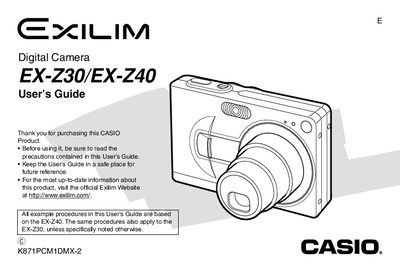
This manual covers everything needed to start using the Casio EX‑Z30/EX‑Z40 digital camera, from unpacking and charging the rechargeable lithium‑ion battery to configuring display settings, recording images and video, and using optional accessories such as the USB cradle and special AC adaptor.
It also includes detailed reference sections on playback, printing, connecting to Windows or Macintosh computers, and an appendix with technical specifications, dimensions, power consumption, and safety notices.
| Power Consumption (camera) | DC 3.7V, Approx. 2.6W |
|---|---|
| Dimensions (camera) | 87 mm (W) × 57 mm (H) × 23.1 mm (D) |
| Weight (camera) | Approx. 121 g (4.3 oz) |
| Battery Type | Rechargeable lithium‑ion (NP‑40) |
| Special AC Adaptor Power Requirement | 100‑240 V AC, 50/60 Hz, 83 mA |
It uses a rechargeable lithium‑ion battery, model NP‑40.
The adaptor requires 100‑240 V AC, 50/60 Hz, drawing 83 mA, and outputs 5.3 V DC at 650 mA.
The camera weighs approximately 121 g (4.3 oz).