
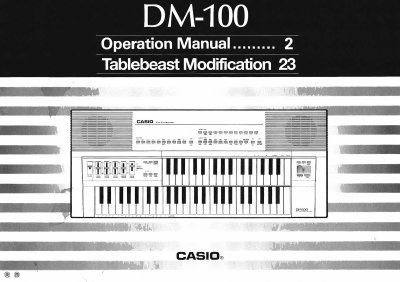
This manual provides an overview of the DM-100 keyboard’s features, including its power supply options, preset tones, tone bank sounds, and sampling functions. It guides users through basic operation, auto‑rhythms, auto‑accompaniment, and troubleshooting steps.
Additional sections cover battery replacement, safety warnings, care instructions, and detailed specifications such as the number of tones, battery life, and power‑off behavior. The document is organized with a table of contents and clear headings for easy reference.
| Battery type | Six D‑size (SUM‑1/R20P) manganese dry cell batteries |
|---|---|
| Standard battery life | Approximately 7 hours |
| Auto power‑off timer | Approximately 6 minutes of inactivity |
| Alternative power sources | Car battery adaptor (CA‑5) or AC adaptor (AD‑5) |
| Lower keyboard preset tones | 20 |
| Upper keyboard preset tones | 8 |
| Tone bank sounds | 210 |
| Built‑in percussion sounds | 49 |
The standard battery life is approximately 7 hours when using six D‑size batteries.
The keyboard can be powered by six D‑size batteries, a car battery adaptor (CA‑5), or an AC adaptor (AD‑5).
Power is automatically cut off after approximately 6 minutes of inactivity.
The lower keyboard has 20 preset tones, while the upper keyboard has 8 preset tones.