
This manual describes how to install QT-2100 systems and recover from system failures.
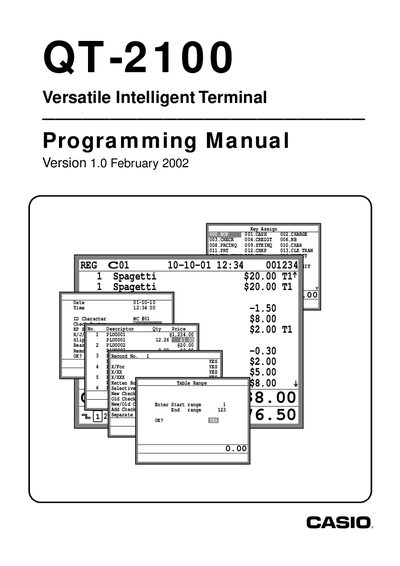
This manual explains how to set up and program the QT‑2100 terminal used in restaurants, bars and fast‑food outlets. It covers pre‑conditions, a general programming procedure, and detailed worksheets for determining the required programming codes.
The document includes sections on machine initialization, memory allocation, key and PLU programming, date‑time settings, peripheral connections, and various report and clerk features. It also lists supported peripheral printers (UP‑350 order printer, SP‑1300 slip printer) and provides guidance for cluster configuration and check tracking.
| Supported receipt printer model | UP-350 |
|---|---|
| Supported slip printer model | SP-1300 |
| Maximum cluster number | 9 |
| Initialization code (U.S.) | 2000 |
| Date format | YY/MM/DD |
Cluster numbers 1 through 9 can be assigned for the check tracking system.