
This file is the owner's manual of SF-5580 SF-5780 SF-5980, which has passed FCC certification and meets the requirements of FCC rules for B-class digital devices
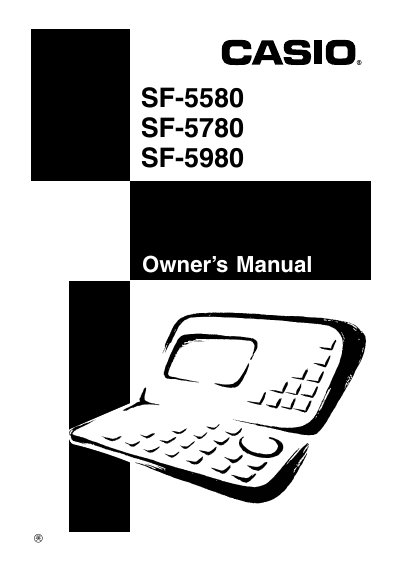
This manual introduces the Casio SF-5580/5780/5980 Digital Diary, covering safety guidelines, FCC compliance, and initial setup steps such as loading two batteries, resetting the unit, and setting the home time. It also explains power‑on/off procedures and basic precautions for battery maintenance.
The guide details the device’s functions, including the function menus, time and calendar modes, expense manager, various conversion tools, and built‑in games like poker and blackjack. Additional sections cover data entry, display settings, alarm features, and troubleshooting tips.
Press the RESET button on the back of the Digital Diary, then select Y and press OK to reset the unit.
Replace the main batteries and press the RESET button to resume normal operation.
Turn on the unit at least once a month to check the current condition of the batteries.