
This manual introduces the usage of CASIO PCR-265P electronic cash register.
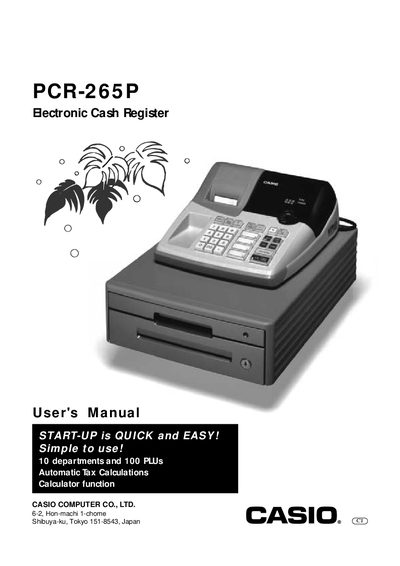
This manual introduces the Casio PCR-265P electronic cash register, covering quick‑start procedures, basic programming, daily job flow, and detailed descriptions of the keyboard, displays, and mode switch functions. It guides users through initializing the unit, loading paper and ink rolls, and performing routine transactions.
Later sections provide specifications, troubleshooting tips, warranty information, and service contacts. The document also includes safety and cleaning instructions, as well as FCC compliance notes for use in the United States.
| Power supply | 120 V, 50/60 Hz |
|---|---|
| Display capacity | 8 digits |
| Departments / PLUs | 10 departments, 100 PLUs |
| Memory protection battery type | SUM‑3 (AA) batteries |
| Paper roll model | P‑5860 |
| Ink roll model | 1R‑40 |
Set the Mode Switch to OFF, plug the power cord into an AC outlet, load the memory protection batteries, then set the Mode Switch to REG.
Remove the printer cover, place a roll of journal paper into the holder, cut the leading end, and press the feed key until paper is fed.
The numeric display can show up to 8 digits.
Casio provides a one‑year parts warranty and 90‑day labor warranty for the cash register, with additional software warranty of 90 days.