
This is a manual for a CASIO electronic cash register, which includes the features and instructions for using the product
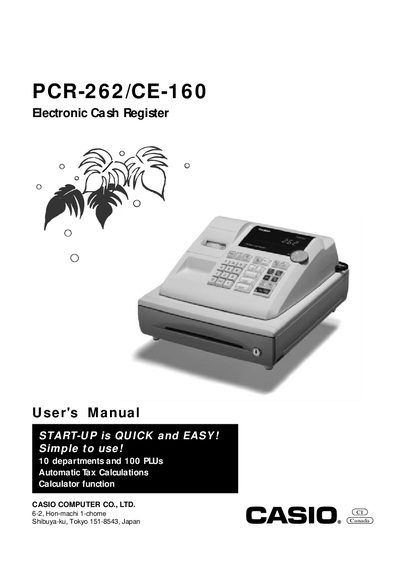
This manual introduces the Casio PCR-262/CE-160 electronic cash register, covering safety precautions, power requirements, cleaning, and basic handling. It explains the mode switch functions, display layout, and keyboard keys for both register and calculator modes.
The guide details daily job flow, including pre‑opening checks, transaction processing, report generation, and end‑of‑day procedures. It also contains troubleshooting tips, specifications, and warranty information to help users maintain reliable operation.
| Supported departments | 10 |
|---|---|
| Supported PLUs | 100 |
| Power supply | 120 V, 50/60 Hz |
| Display capacity | 8 digits |
Use the QUICK START operations described in Part‑1 of the manual.
Pull the drawer release lever; ensure the drawer lock key is not engaged.
The drawer will not open if it is locked with a drawer lock key.
Set the Mode Switch to the OFF position.