
This document introduces the functions of Casio fx-3650P and Casio fx-3950P calculators, including built-in functions and user-defined programs, and provides detailed operation steps.
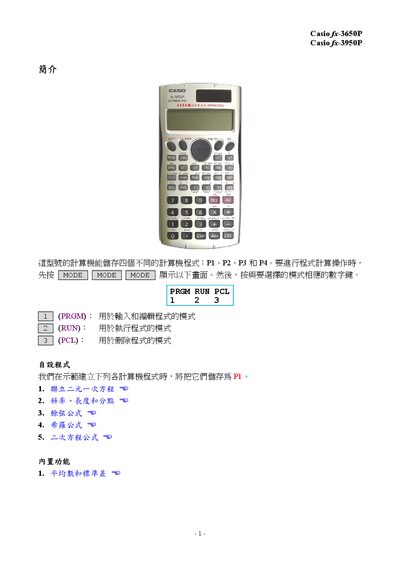
This manual introduces the Casio scientific calculators fx-3650P and fx-3950P. It describes the three operating modes—PRGM for program entry, RUN for execution, and PCL for program deletion—and shows how the devices can store four separate programs (P1‑P4).
The guide provides detailed program listings for solving linear equations, calculating slope, length and division points, applying cosine formulas, and performing statistical calculations such as average and standard deviation. Each program includes the required key sequences and example runs, allowing users to replicate the calculations on their calculators. This manual is written in Chinese.
| Program memory | Four programs (P1‑P4) |
|---|---|
| Built‑in statistical functions | Average and standard deviation |
The calculator can store four separate programs, labeled P1, P2, P3, and P4.
Press the key sequence SHIFT MODE 1 to clear the program memory.