
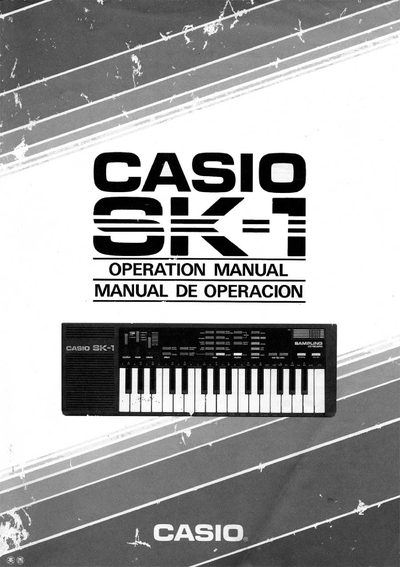
This manual introduces the Casio SK-1 keyboard, describing its main features, power options, and sampling capabilities. It guides users through basic operation, tone selection, rhythm functions, and memory management.
Detailed sections cover the bottom and back panels, battery and AC power connections, button functions, and troubleshooting tips. Technical specifications such as speaker output, dimensions, and power consumption are listed at the end.
| Speaker output | 1 W |
|---|---|
| Power supply | Five AA-size batteries (optional AD-1 AC adaptor, optional CA-1 car adaptor) |
| Auto power‑off | Approximately 7 minutes after last operation |
| Power consumption | 1.8 W |
| Dimensions | 461 mm (W) × 155 mm (D) × 44 mm (H) |
| Weight | ≈ 1.2 kg (including batteries) |
| Accessories | Five AA-size batteries |
The unit automatically powers off about 7 minutes after the last operation.
It uses five AA‑size batteries.
Slide open the battery compartment cover on the bottom of the unit and remove the used batteries, then insert new ones with correct polarity.
Set the function selector to “play”, press the sampling button, and produce the sound near the built‑in microphone; sampling starts automatically and finishes after about 1.4 seconds.