
Casio XJ-ST155 is a 3000 lumen XGA projector with USB and WLAN connectivity. It supports whiteboard interaction and can be used for digital signage and other video server applications via an IP network.
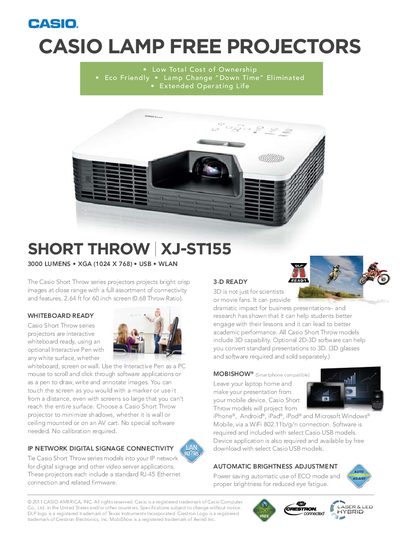
The Casio Short Throw series XJ‑ST155 delivers bright, crisp images at close range with 3000 lumens output and a 0.68:1 throw ratio, suitable for 60‑inch to 100‑inch screens. It includes a range of connectivity options such as USB, Wi‑Fi, RJ‑45 Ethernet, HDMI, and various video inputs, plus optional interactive whiteboard functionality using a pen.
Additional features include 3‑D capability with optional conversion software, automatic brightness adjustment with ECO mode, and a hybrid laser‑LED light source rated for up to 20,000 hours. The projector supports multiple video standards and offers optional accessories like a wireless LAN adapter and 3‑D glasses.
| Brightness | 3000 lumens |
|---|---|
| Light Source | Casio Laser & LED Hybrid |
| Estimated Operating Life | Up to 20,000 Hours (Warranty 3 years or 6,000 Hrs) |
| Native Resolution | 1024 × 768 |
| Weight | 15.6 lbs |
| Power Source | AC100‑240V, 50/60 Hz |
| Standby Power Consumption | 0.4 W (LAN OFF), 4.8 W (LAN ON) |
| Dimensions (W × H × D) | 16.5 × 12.72 × 4.17 inches |
It provides 3000 lumens of brightness.
Yes, it includes 3‑D capability with optional 2D‑3D conversion software (glasses sold separately).
Yes, using an optional Interactive Pen it functions as a whiteboard, allowing drawing, writing, and screen navigation.