
This document describes the communication process for transferring individual values to or from the Casio CFX-9950G graphic calculator. The communication is TTL-level asynchronous serial half-duplex communication, connecting to a PC's RS-232 COM port. The communication rate is 9600 bps with no parity, 8-bit byte size. The information in this document should be valid for all compatible units in the CFX-9850G series of Power Graphic calculators from Casio.
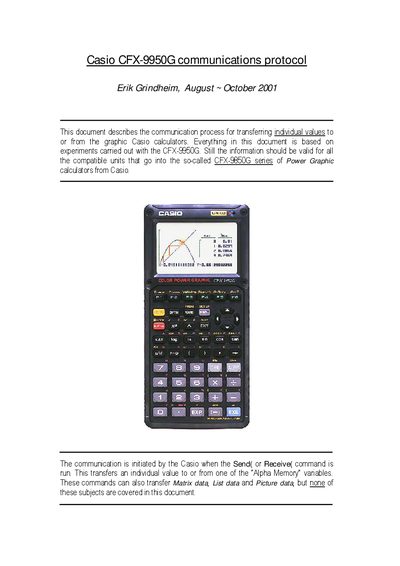
The document explains how the Casio CFX-9950G calculator communicates with an external PC using a TTL‑level asynchronous serial link. Communication is started by the calculator when the Send( or Receive( command is executed, after which a series of handshaking bytes and data packets are exchanged.
Four packet types are defined – Request, Variable‑description, Value and End – each with fixed lengths and checksum rules. The protocol supports both real‑only and complex (real + imaginary) variables, and includes error handling via a 0x22 abort byte and a Com ERROR display on the calculator.
| Electrical level | TTL-level (High=5V and Low=0V) |
|---|---|
| Baud rate | 9600 bps |
| Parity | none |
| Byte size | 8 bits |
| Stop bits (Casio → PC) | 2 bits |
| Stop bits (PC → Casio) | 1 bit |
| Connector type | 2.5 mm stereo jack (sleeve ground, ring data to Casio, tip data from Casio) |
It sends an “attention request” byte 0x15, then waits for the external device to reply with byte 0x13.
When the calculator sends data it uses 2 stop bits; when it receives data it expects 1 stop bit.