
This document is the E1106 User Manual, which describes the design for the evaluation and development of applications using the E1106 IC. It includes information about evaluation assemblies, circuit diagrams, troubleshooting, and more.
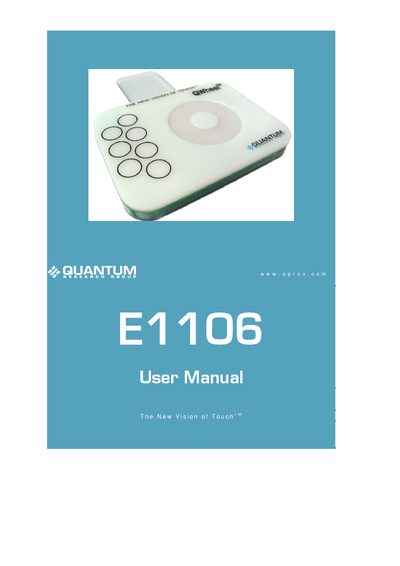
The Quantum E1106 kit provides an evaluation platform for the QT1106 IC, including a control board, QWheel and QSlide assemblies, USB cable, and demo software. The manual explains how to connect the hardware, install the QT1106 Demo software, and use the graphical interface to control the device.
Detailed sections describe the hardware connections, software features such as detection threshold, resolution, and AKS modes, as well as calibration procedures for keys and the wheel/slider. The document also lists specifications and troubleshooting tips for reliable operation.
| Interface | USB serial interface |
|---|---|
| LED Indicator | LED lit constantly when power is present |
| Backplate | Grounded transparent backplate (optional) |
In the QT1106 Demo software click ‘Cal All Keys’ to calibrate every key, or click ‘Cal Wheel/Slider’ to calibrate the wheel/slider.