
This manual provides detailed instructions on how to use the QUANTUM Nitrox Dive Computer, including both on and under the water, and provides detailed warnings and alarms.
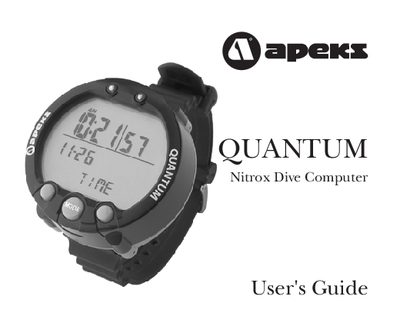
This manual introduces the Quantum dive computer, describing how to use the three surface buttons to access modes such as TIME, DIVE, PLAN, LOG, PROF, PC, and SET. It covers surface functions, dive settings, planning, logging, and PC data transfer.
The guide also details underwater displays, nitrox mixing, decompression and safety warnings, and provides care and maintenance instructions, including battery replacement and technical specifications.
All warnings and cautions are identified with the triangle symbol.
Read the manual in its entirety before attempting to use the Quantum.