
This document is the E6240 user manual, which introduces the overview of E6240, the setup and usage methods, QmBtn software, E6240 assembly details, and troubleshooting, etc.
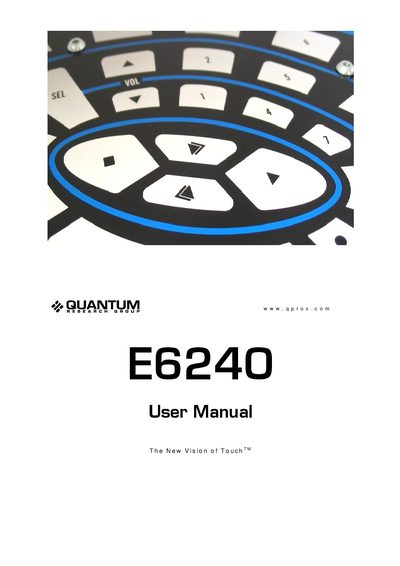
The E6240 evaluation kit is designed for development with the QT60160/QT60240 touch‑sensor ICs. It includes an assembly, USB cable, sample ICs and a CD with QmBtn software, and connects to a PC via a USB serial interface.
The manual covers hardware setup, installation of the QmBtn software, detailed description of the software’s menu, toolbar and status bar, and provides troubleshooting steps for common communication problems.
| Interface | Serial (USB) interface |
|---|---|
| Maximum keys (QT60240) | 24 keys |
| Power indicator | Two LEDs light constantly when power is present |
| Kit contents | 1 x E6240 assembly, 1 x USB‑computer cable, 2 x QT60240 ICs, 1 x CD‑ROM with software |
The QT60240 can enable up to 24 keys in its 8 × 3 matrix.
The status bar shows the connected device, the IC revision, and the type of interface being used.